Keywords this page targets
- Google Drive folder tree
- Expand all folders Google Drive
- See folder sizes Google Drive
- Google Drive file manager browser
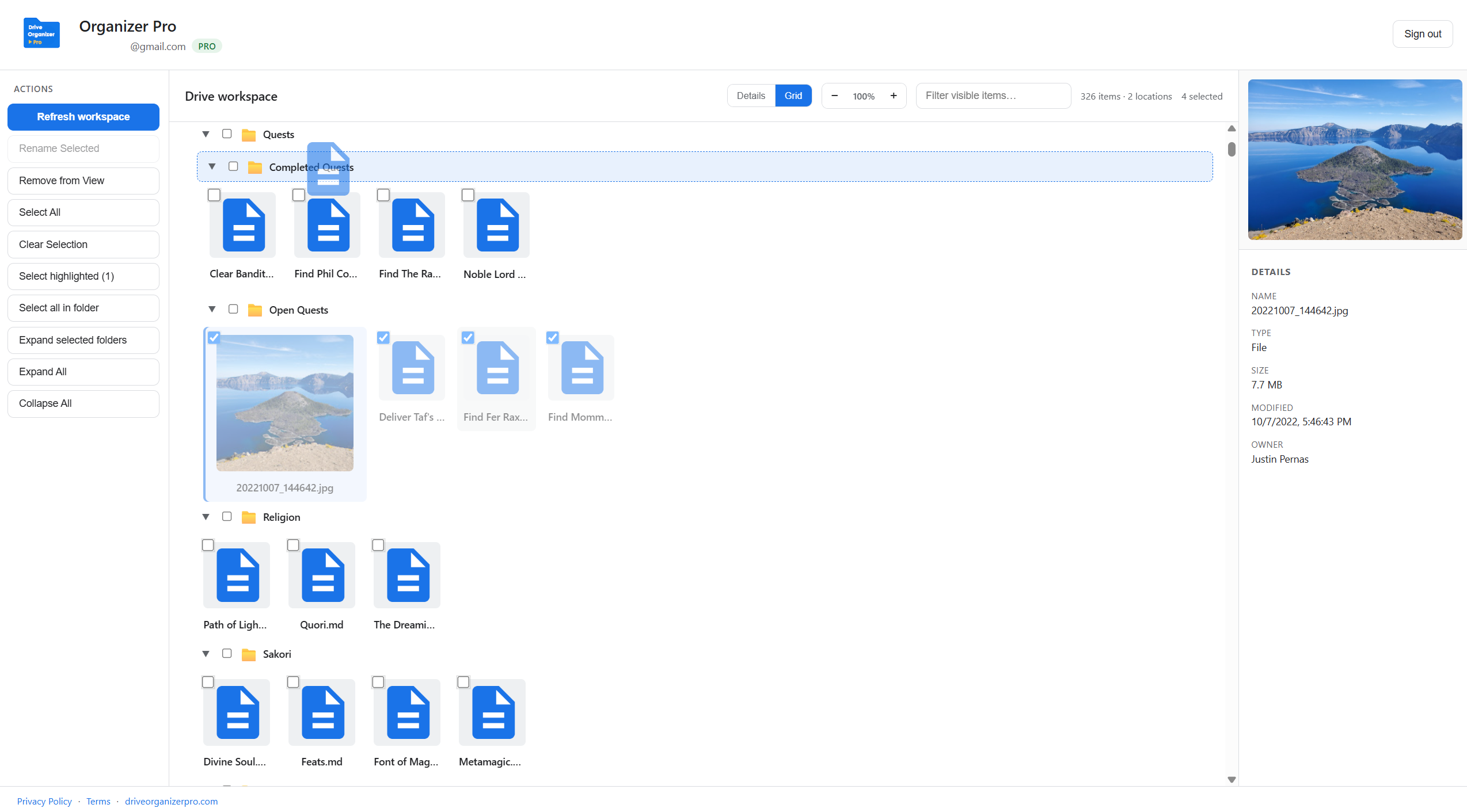
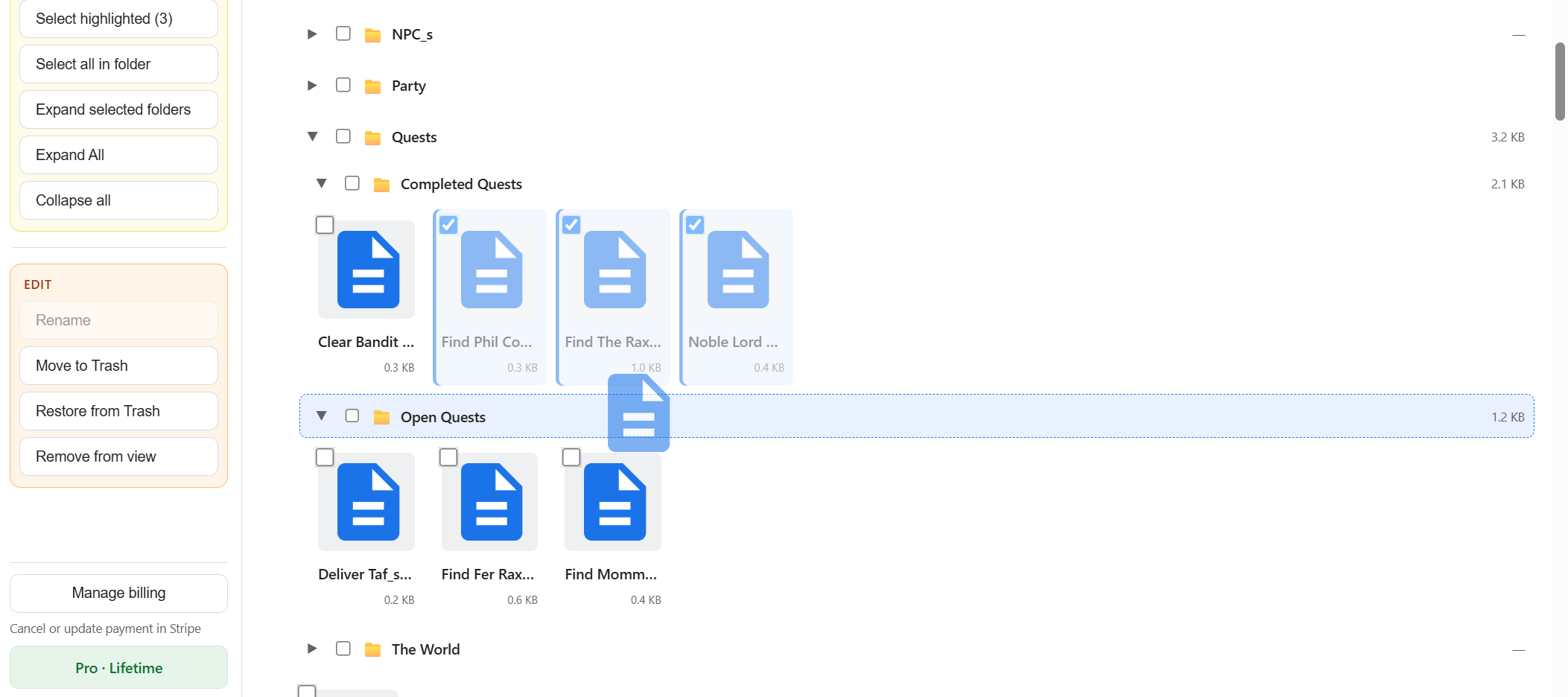
A browser-based Google Drive file manager: see My Drive as a nested folder tree with file sizes, filter, and a details panel. Switch to grid view when you want visual previews.
Why a tree helps
List view in drive.google.com works for small folders. When you need to understand structure across many levels, a dedicated tree with expand and filter is faster.

Related
Sign in once at driveorganizerpro.com/app. No extension required.
Open Drive Organizer Pro