Search phrases this solves
- Copy Google Drive folder with subfolders
- Google Drive folder template
- Duplicate a folder structure in Drive
- Reuse a project folder tree
How to copy a Google Drive folder with its subfolders and files: keep one master folder, then duplicate the whole tree when a new client, class, or project starts. Native Drive copies files. It does not copy a folder with everything inside it.
The problem
A working Drive setup is usually the same few folders: Brief, Contracts, Assets, Delivery. People rebuild that by hand for every client. A folder template is just a master folder you copy.
How it works
Build the structure once in Drive: empty starter files, sample Docs, or just the folders. Name it something like Client template.
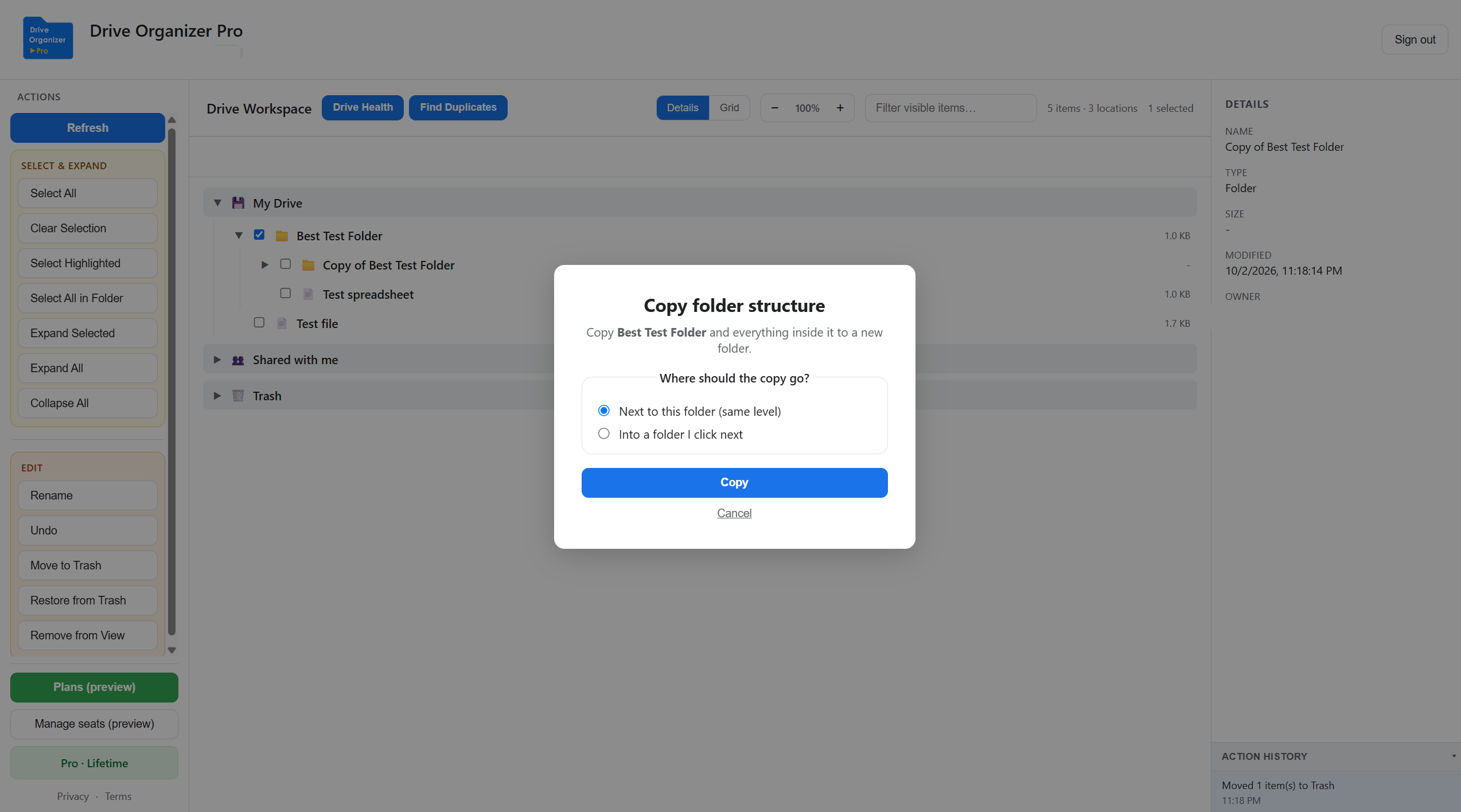
In Drive Organizer Pro, right-click that folder and choose Copy folder. Pro copies nested folders and the files inside them.
Put the copy next to the original, or click a Clients or Projects folder. The tree refreshes and opens the new copy so you can rename it.
Tips
Nested folders and the files in them, including Google Docs, Sheets, Slides, and uploaded files. Names stay as they are. If the copy sits next to the original, it is named Copy of… so you can tell them apart.
Choose a folder outside the one you are copying. Copying a folder into a folder inside itself nests the tree. Copying into the same folder is fine: you get one Copy of… folder and it stops.
Related
Sign in free, then upgrade to Pro when you need the folder copy. Checkout is inside the app.
Open Drive Organizer Pro